
Now live: Capital AI, your financial sparring partner
Connecting your bank account data is necessary to use re:cap. You can connect your accounts via open banking or via manual upload.
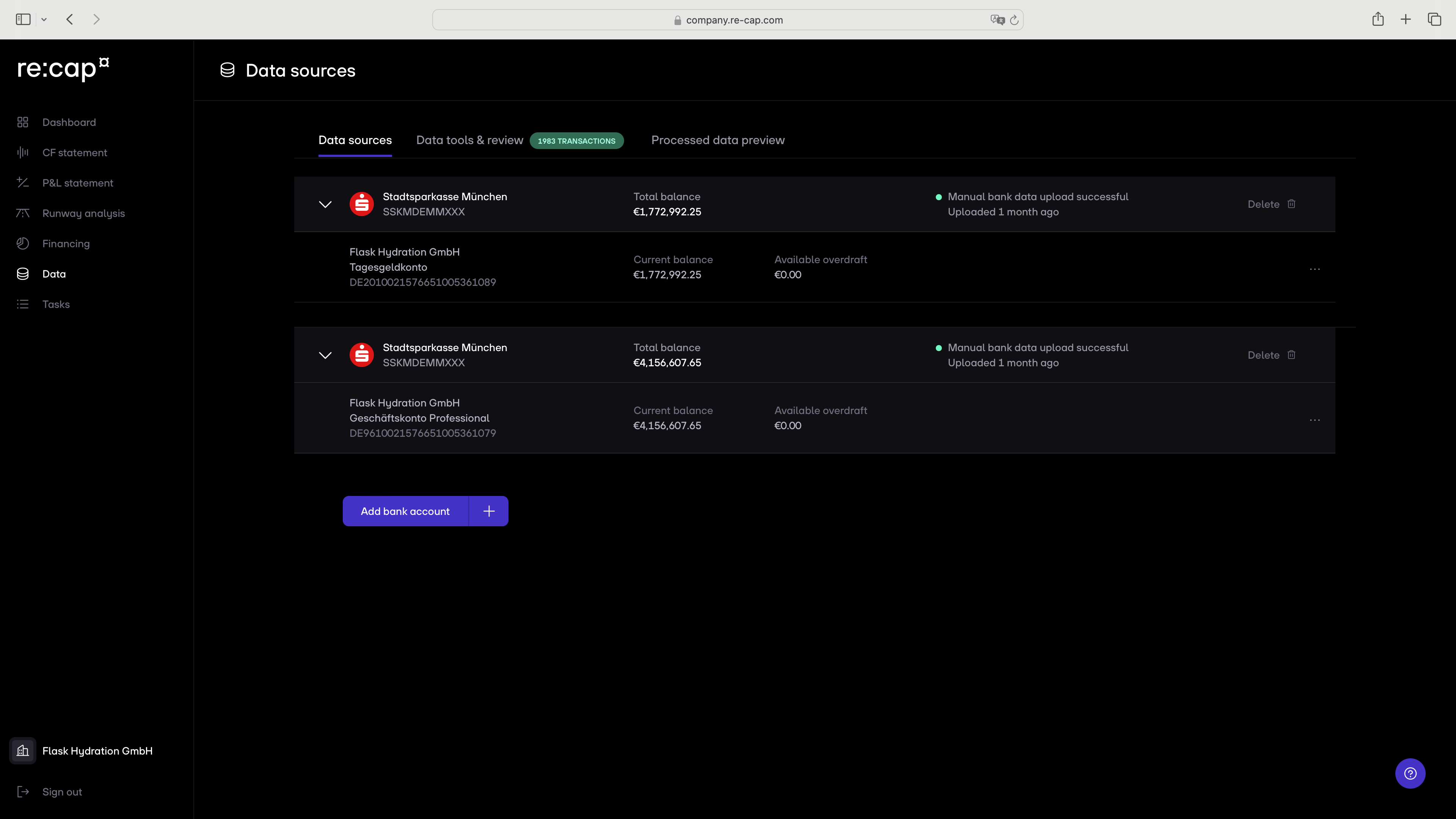
1. Click on Data in the navigation menu and then on Add bank account at the bottom of the screen.
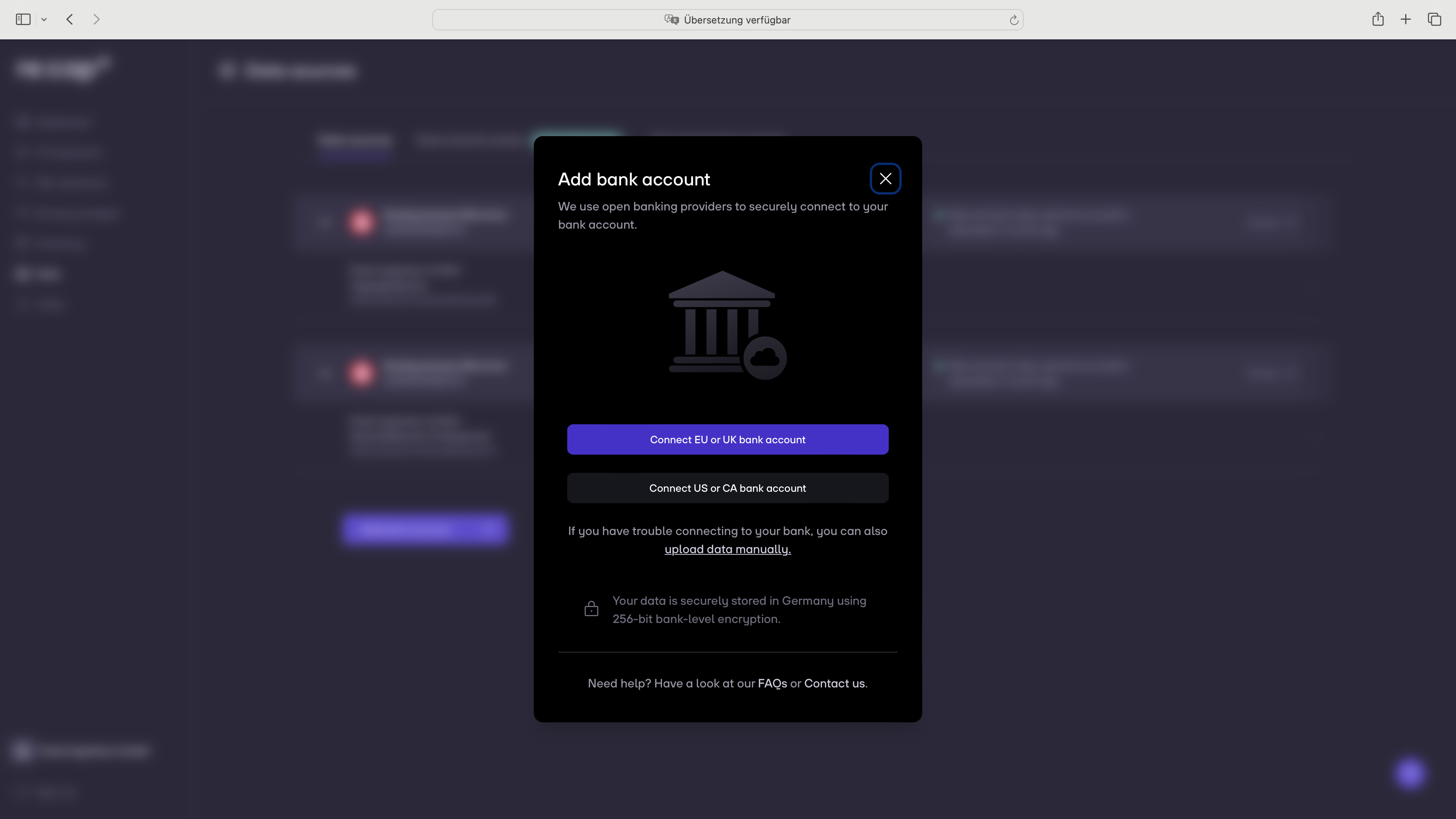
2. Choose between the EU/UK or US/CA options.
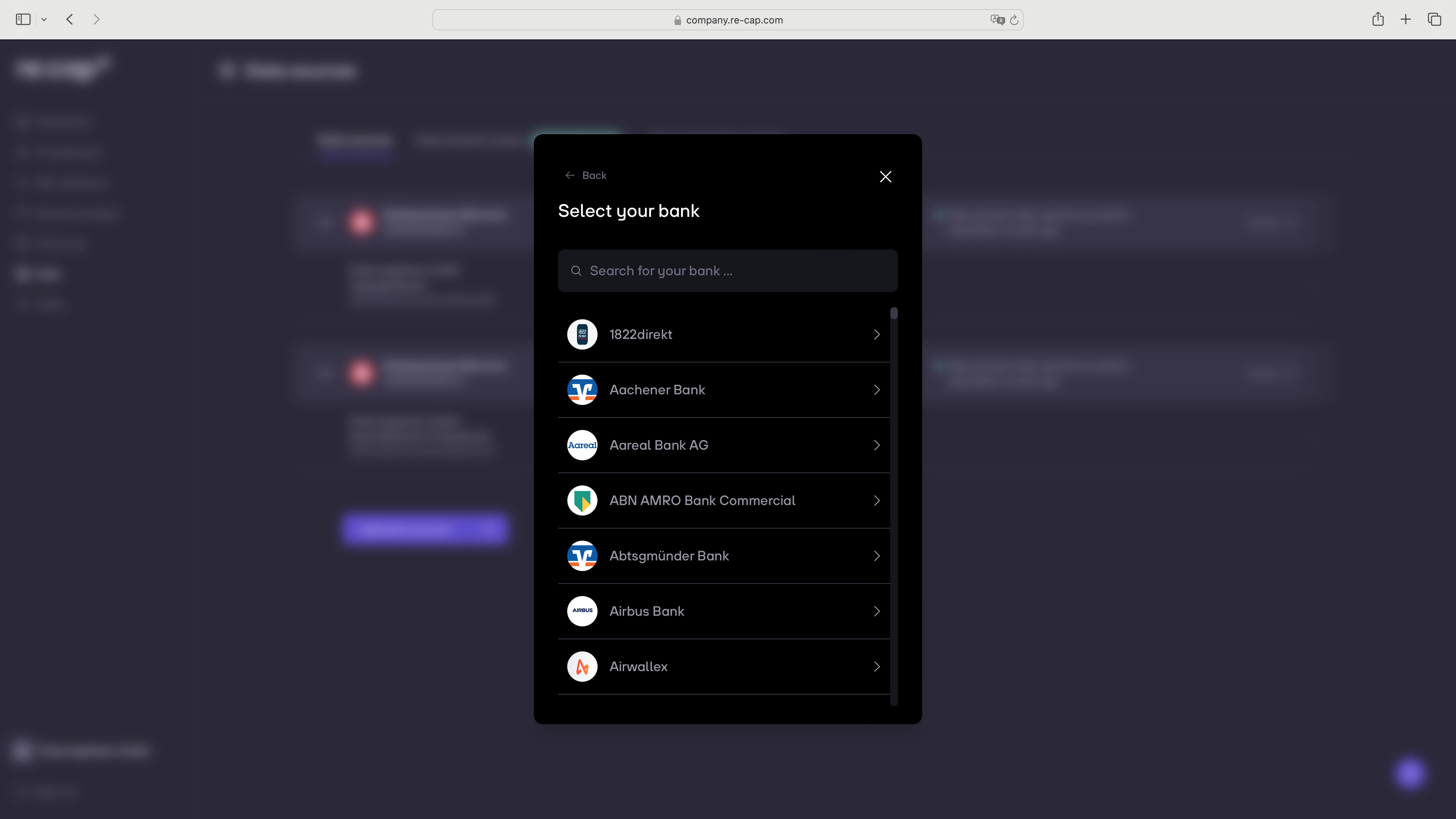
3. Select your bank account from the list and connect it using your online banking credentials.
4. Once your bank account is connected, you will be able to view the transactions under Analysis > Cash positioning > Transactions.
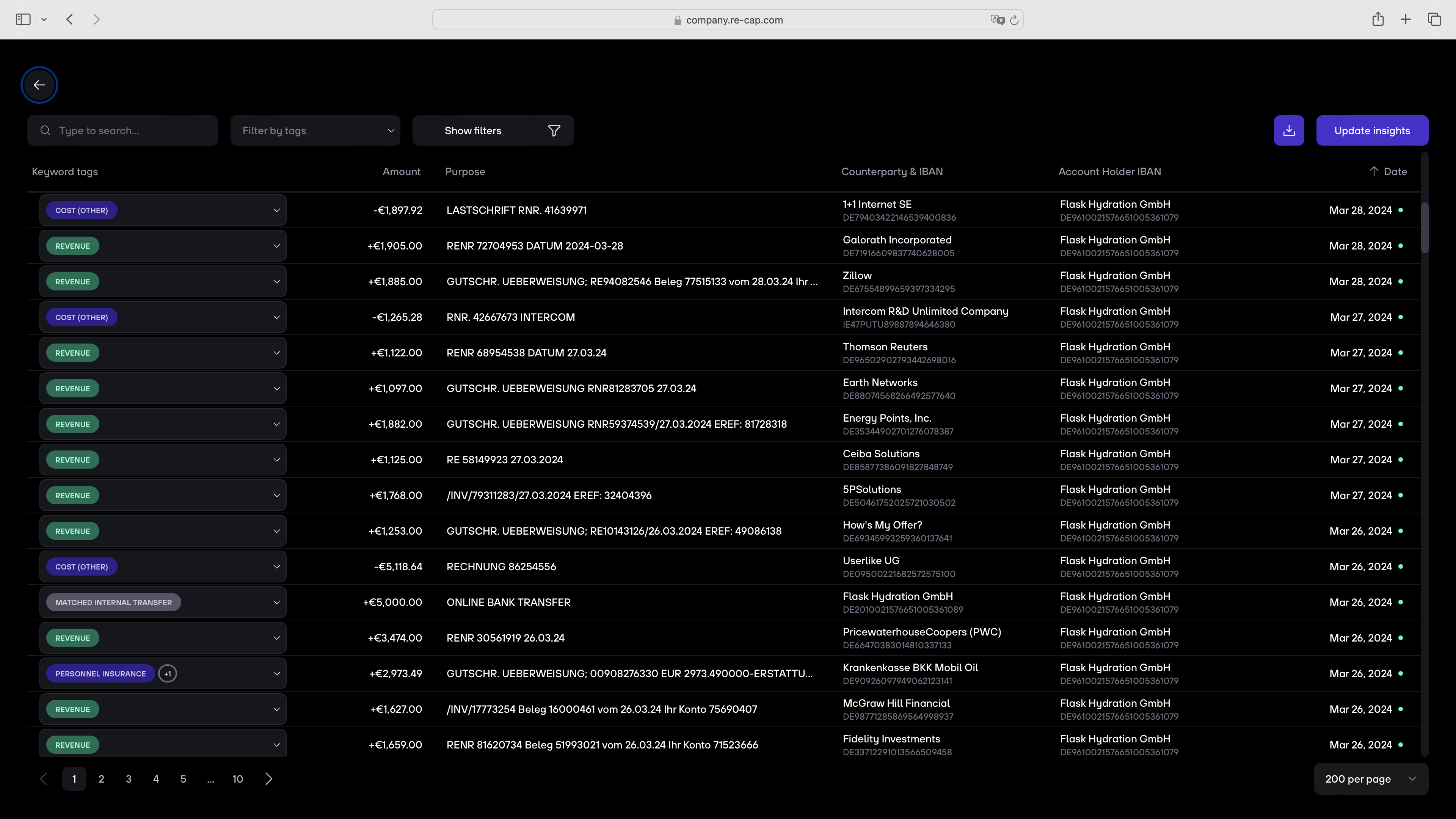
Tip: Use the search by clicking on it in the upper left navigation or click CMD + K, and search for "Transactions".


.gif)


