
Now live: Capital AI, your financial sparring partner
1. Go to Analysis, and then click on Accounting via the navigation menu.

2. Click on Export in the top right corner.

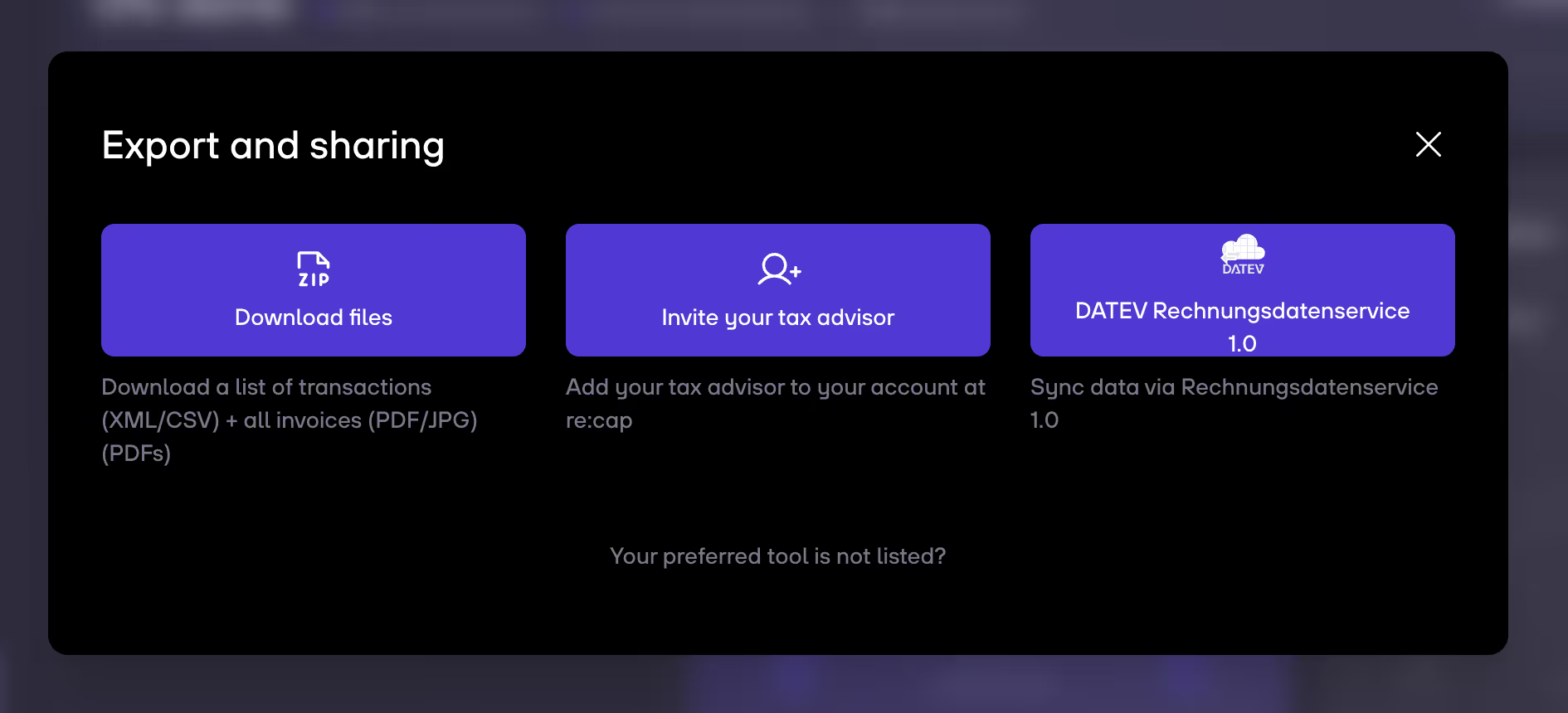
3. Click on Download files.
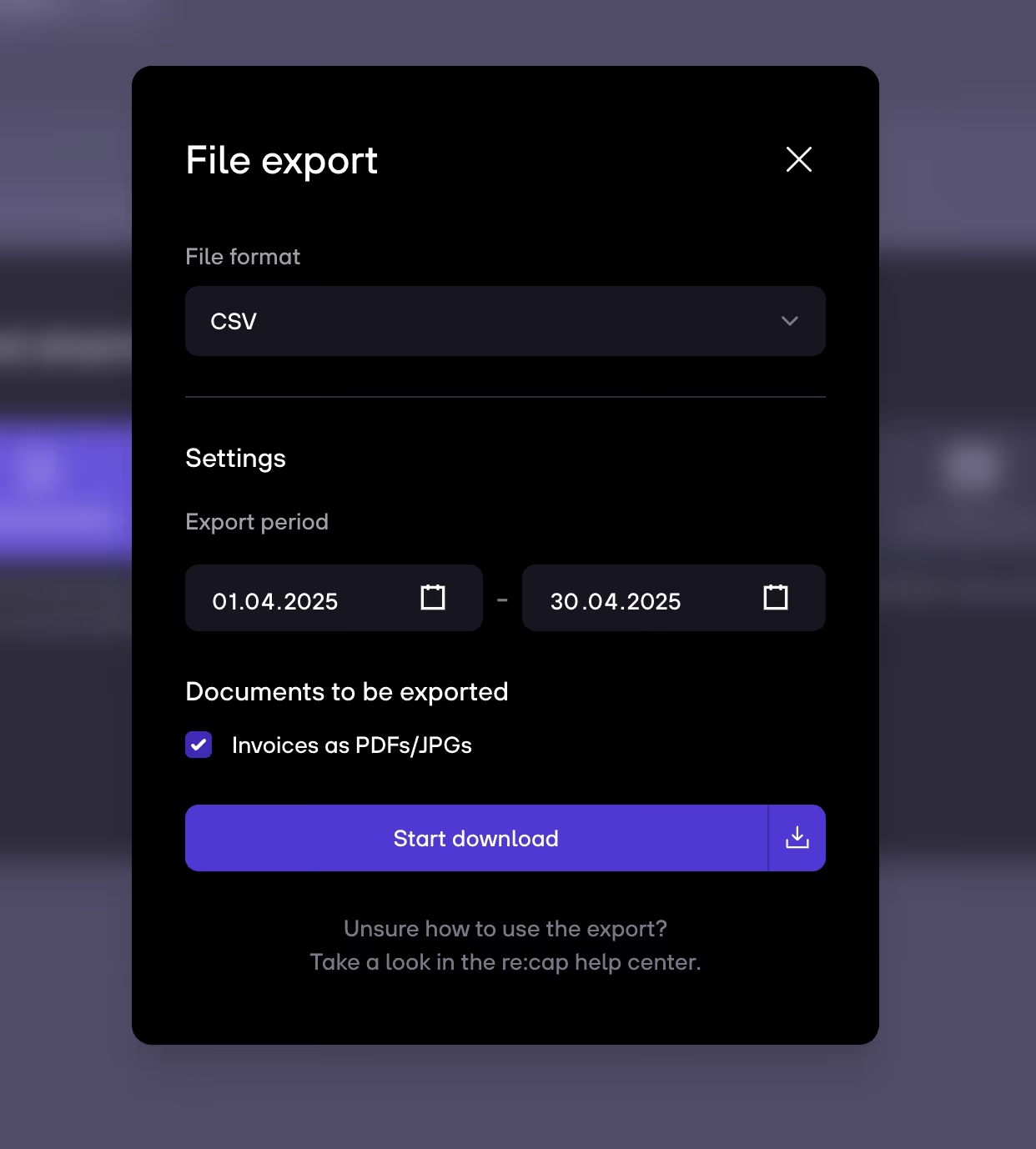
4. Choose the file format (XML for CSV or CSV). Then select the other settings (Export period, invoices files). Click on Start download – and your good to go.


.gif)


