Upload your invoices

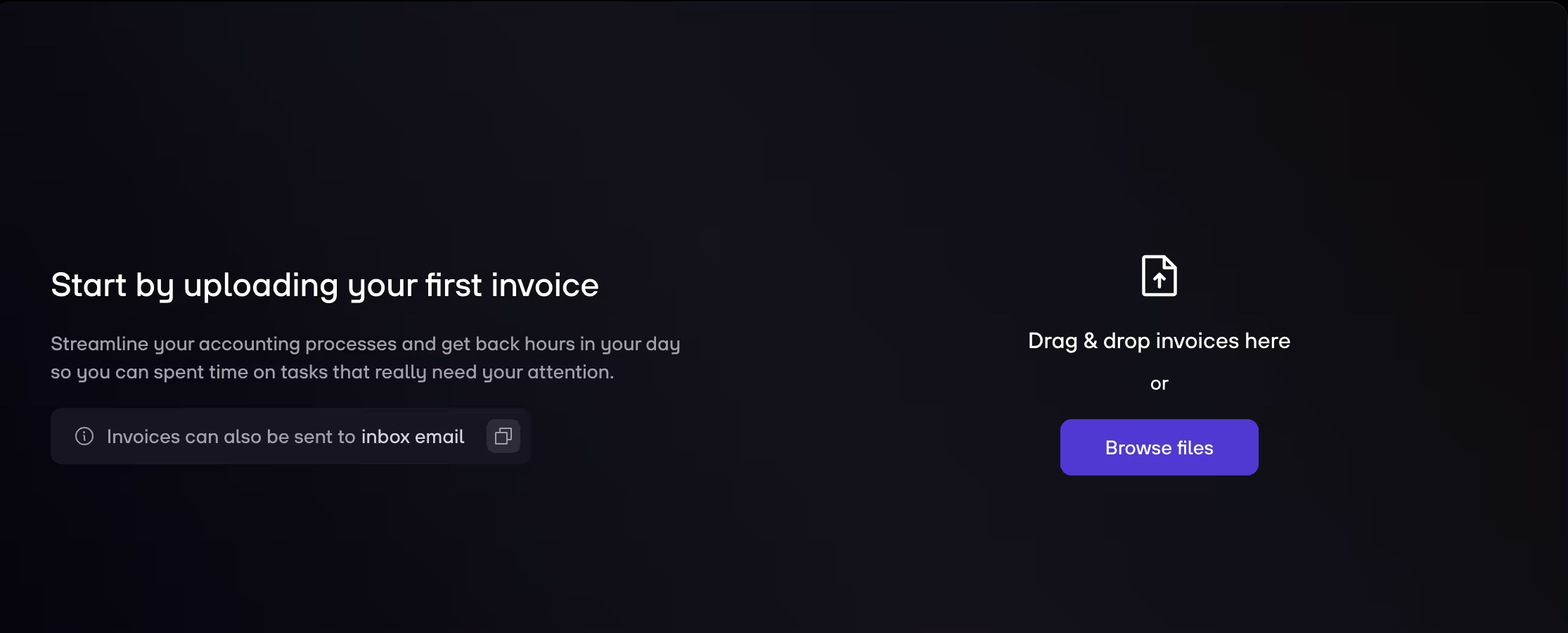
1. Go to Analysis, and then click on Accounting via the navigation menu.

2. You can upload your invoices multiple ways:

  • Send them directly to your dedicated inbox email and they appear automatically on the platform.
  • Drag & drop invoices or click Browse files

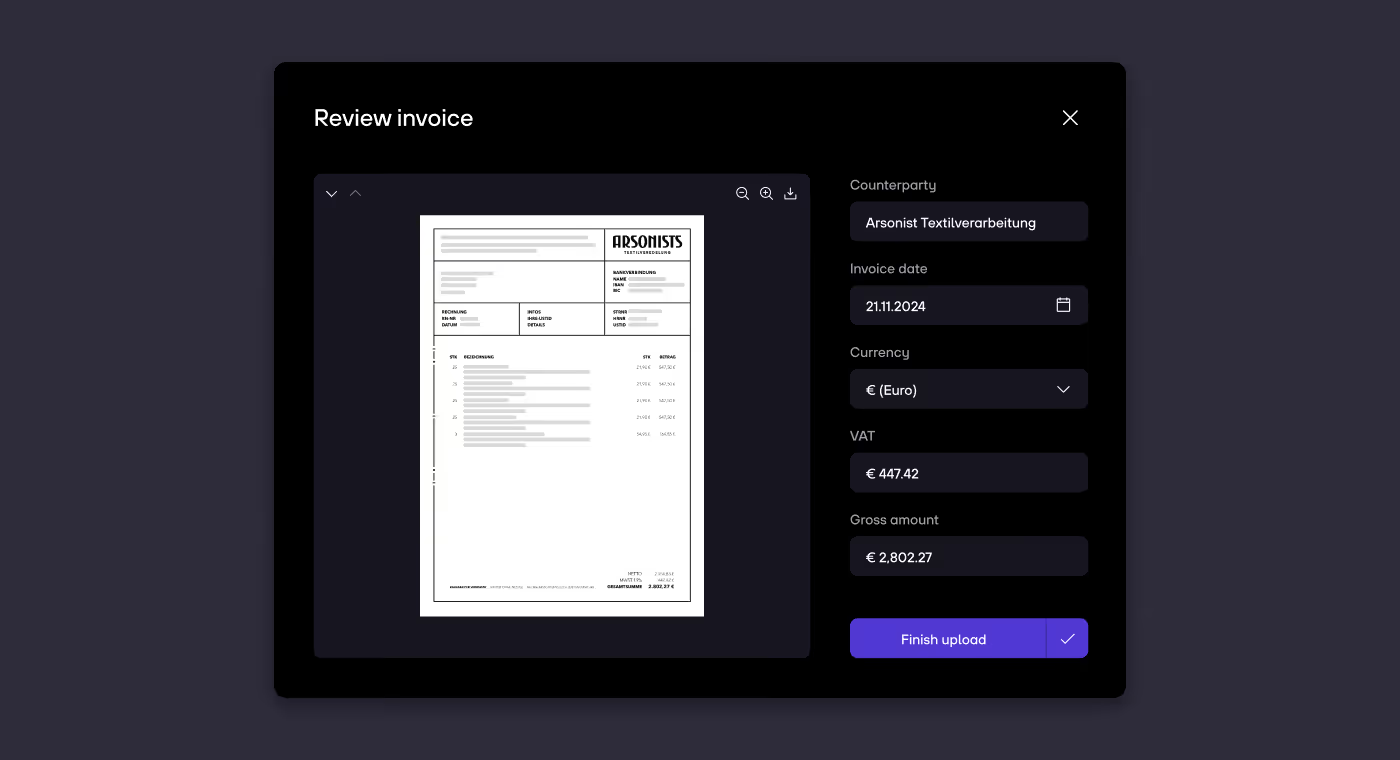
3. Review your invoice data.

re:cap_Help Center

4. Click on Finish upload.

Close Menu
Close Menu
Home
Capital AI
Pricing
Location
Get startedLogin