
Now live: Capital AI, your financial sparring partner
Note: To reconcile your invoices with transactions, you'll need to connect your bank accounts first. Read this article to learn how to connect your bank data.
1. Go to Analysis, and then click on Accounting via the navigation menu.
2. Choose Monthly closing at the top of the site.

2. Click on either Payables or Receivables for reconciliation.

3. Click on Reconcile 1 incoming invoice.
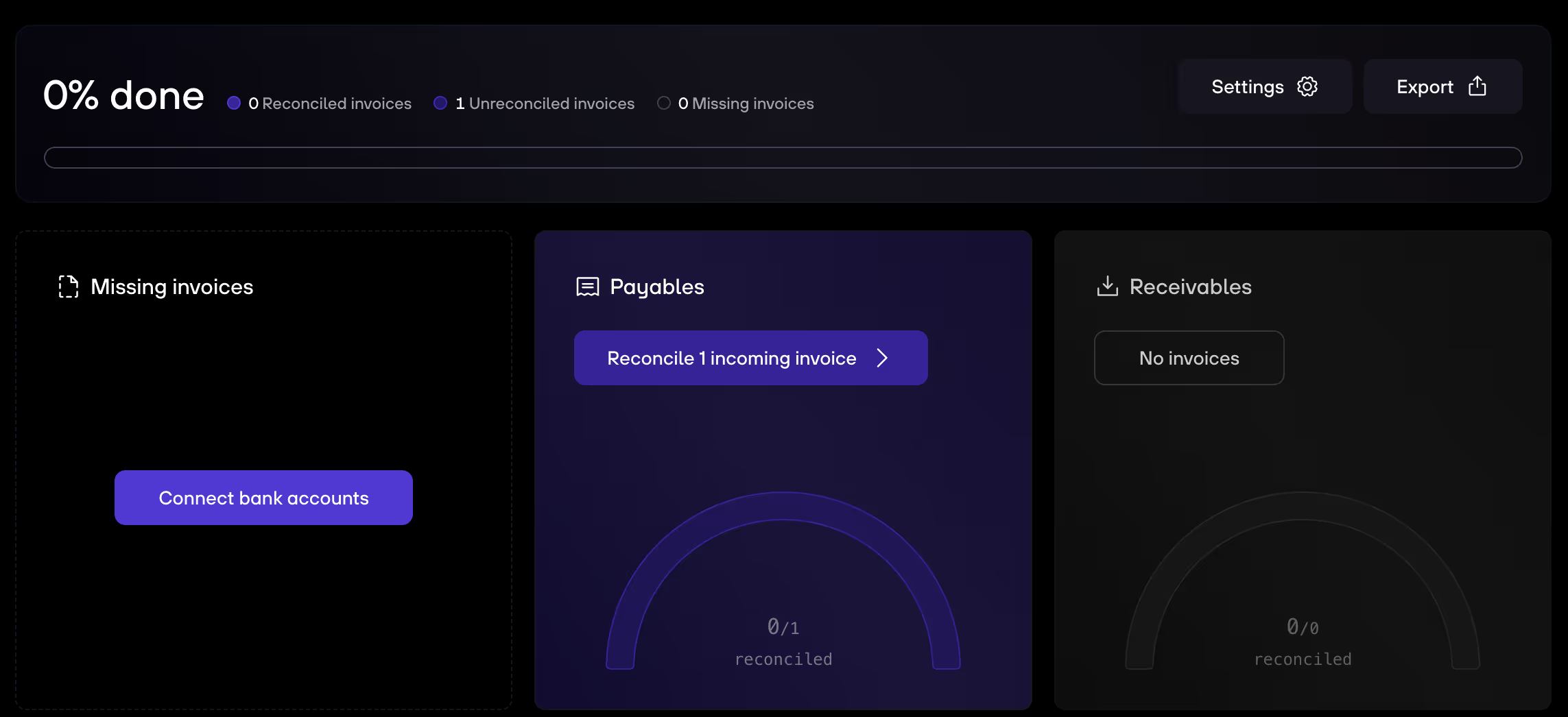
4. You see either Suggested matches or Missing transactions. You can browse through the suggested matches and double check, or you go to Missing transactions and click Add transaction to manually search for a transaction and match it with the invoice.


.gif)


