
Now live: Capital AI, your financial sparring partner
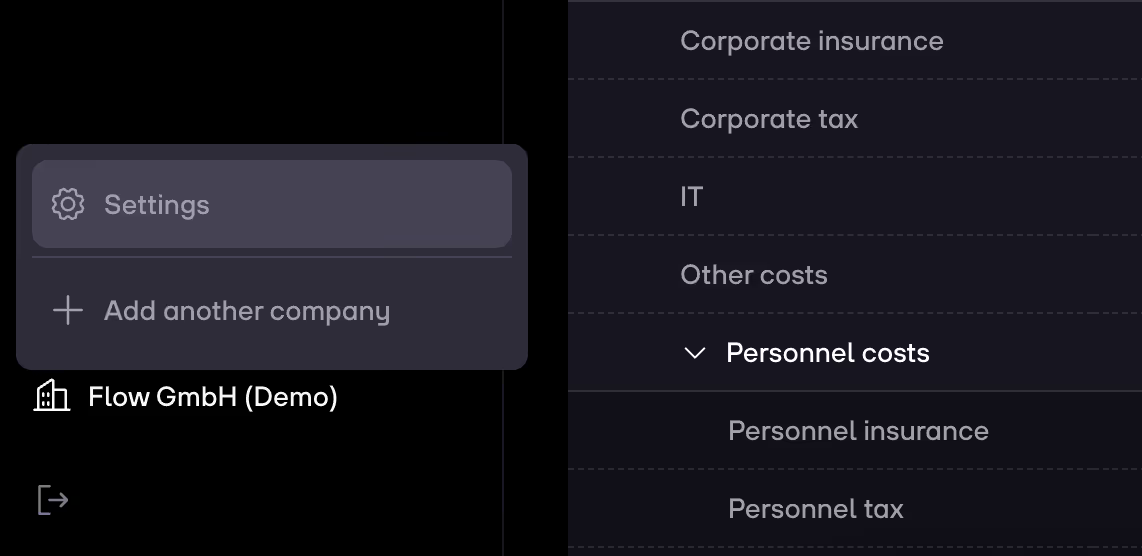
1. Click on your company's name and then on Settings via the navigation menu.
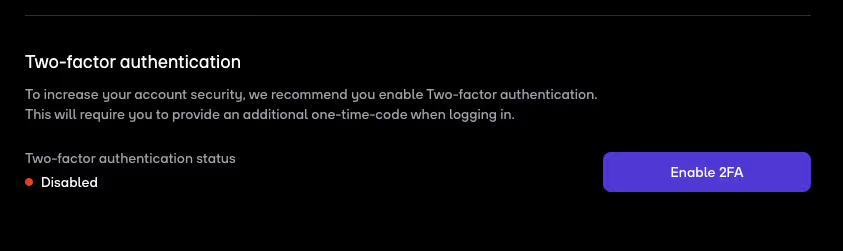
2. Scroll down to the bottom of the page. Here you can see whether two-faction authentication is enabled or not. If its Disabled then click on Enable 2FA.
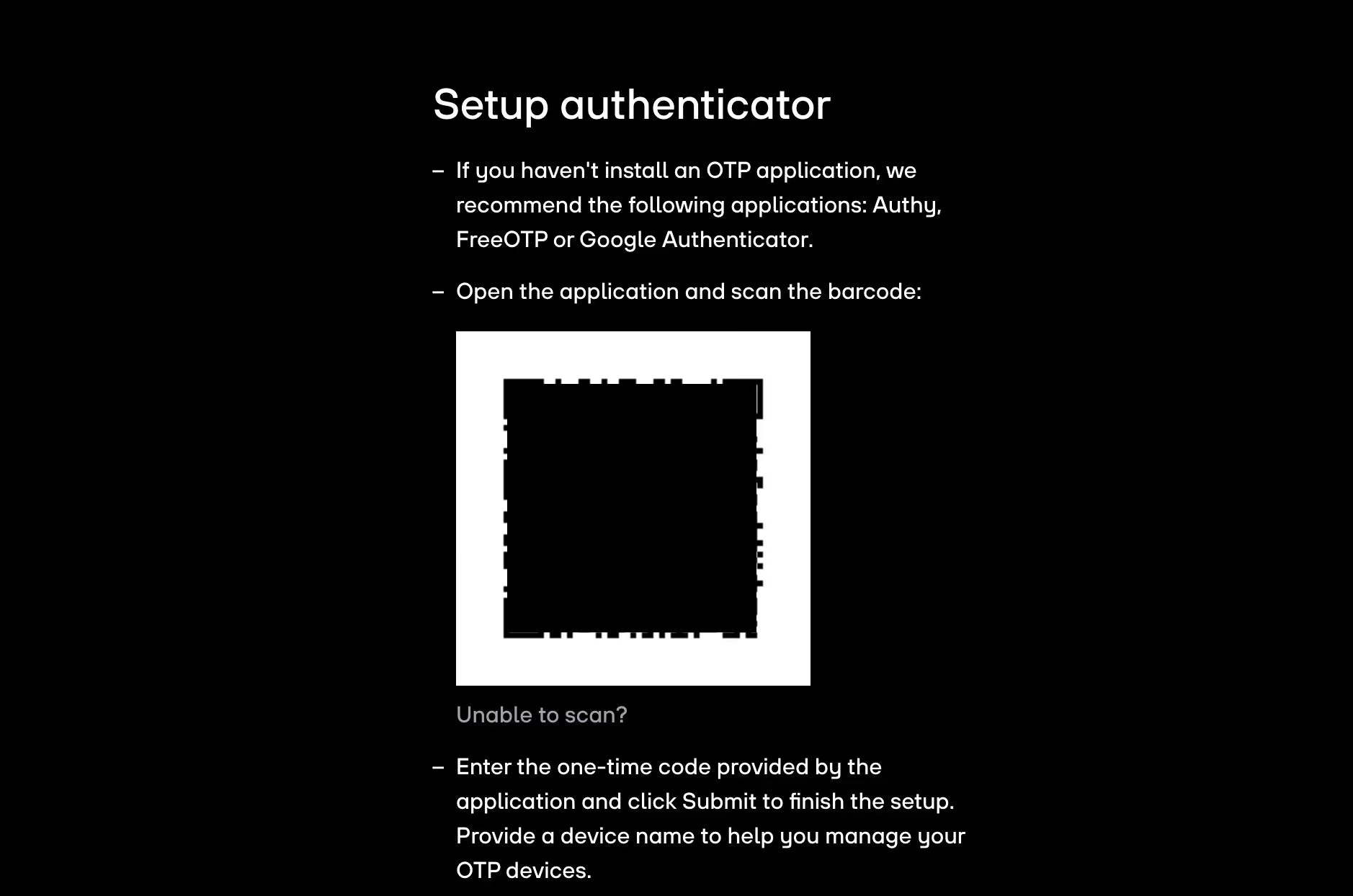
3. Follow the instructions you see on the next page:
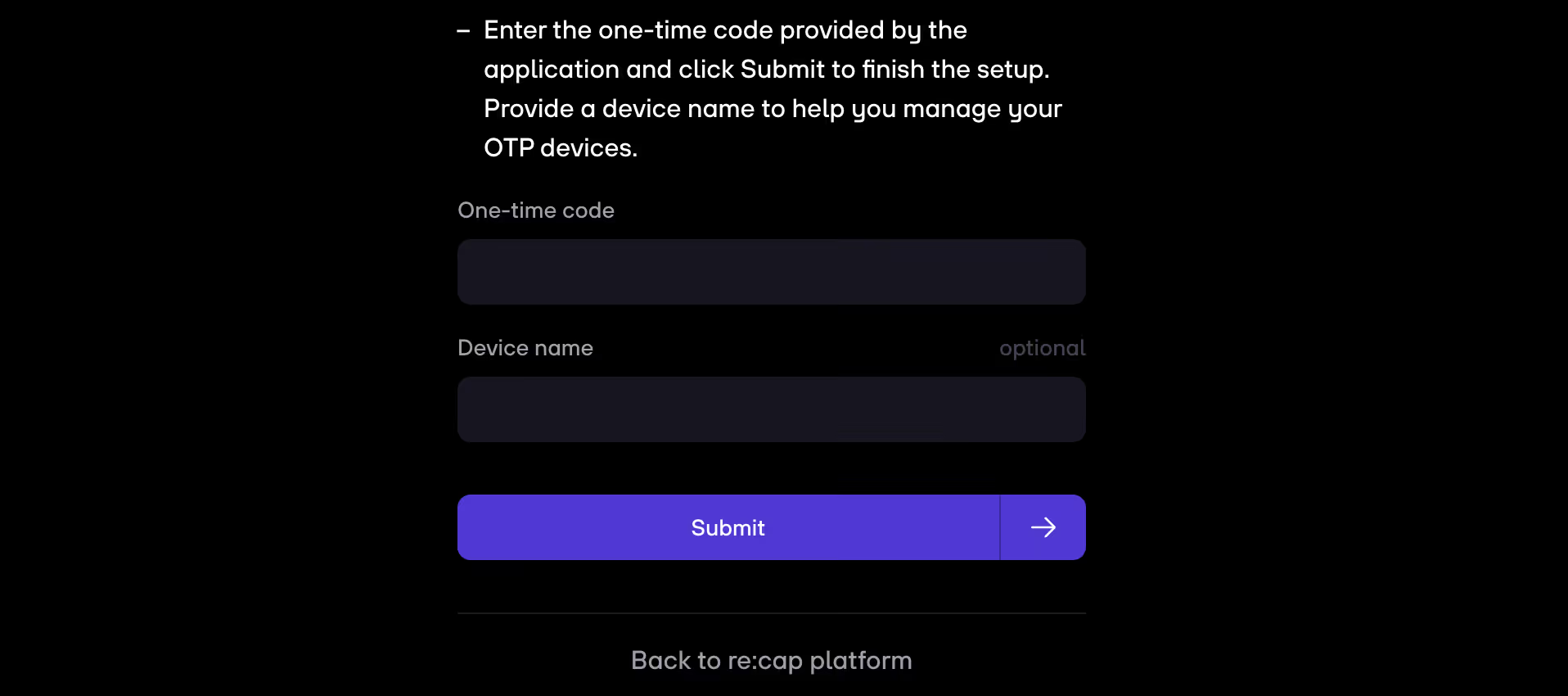
4. Click on Submit to proceed.
5. You will now be required to provide an additional one-time-code via the app when logging in.
Note: We recommend you to enable 2FA to increase account security.


.gif)


