
Now live: Capital AI, your financial sparring partner
Connecting your payment provider is a necessary step to use re:cap.
1. Click on Data in the navigation menu and then on Add bank account at the bottom of the screen.
2. Choose between the EU/UK or US/CA options.

3. Select your payment provider from the list and connect it using your credentials.
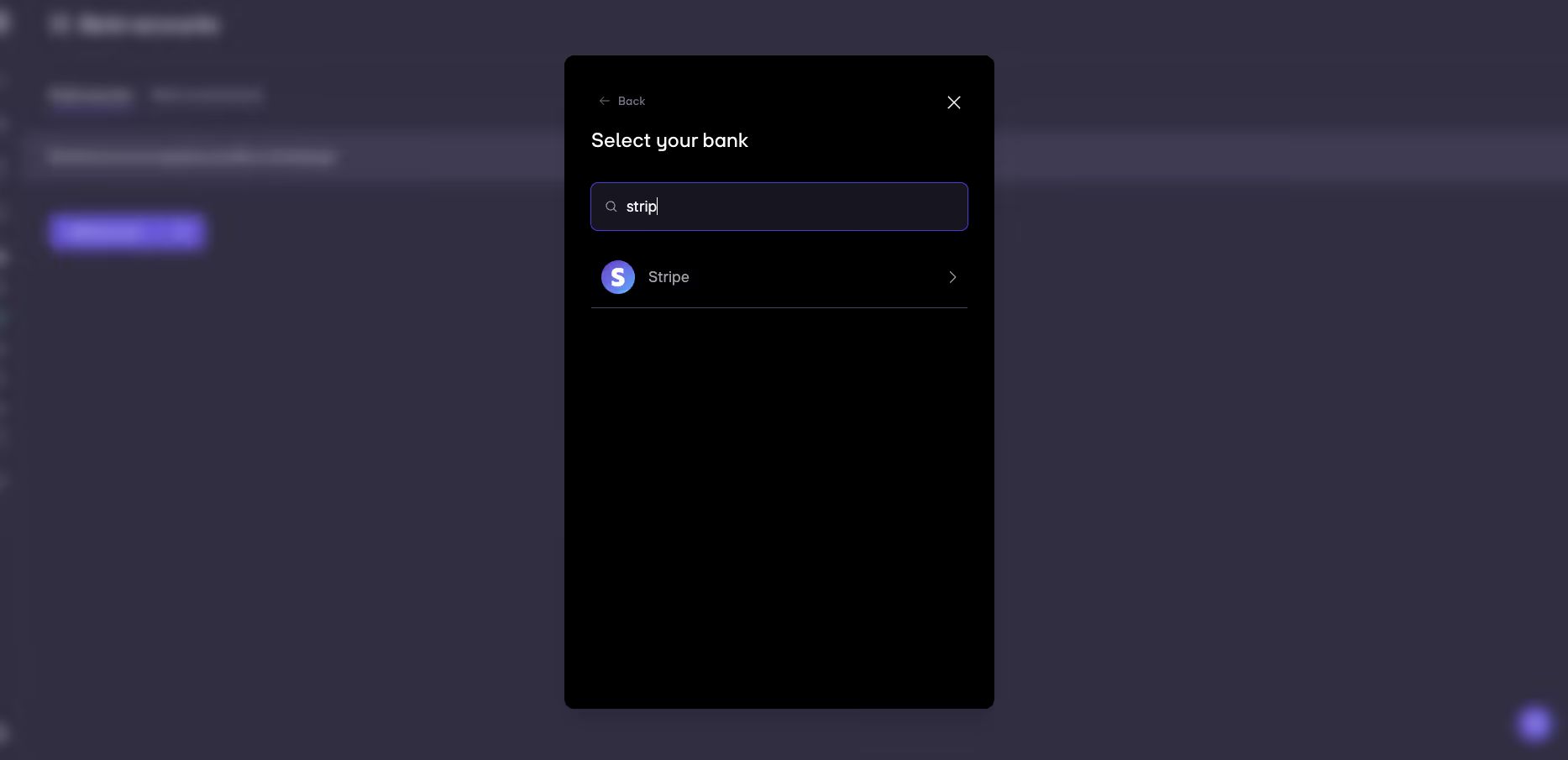
4. Once your payment provider is connected, you will be able to view the transactions under Data > Bank transactions.
5. Your payment provider is not supported? You can always use the manual upload instead. This is e.g. the case for Pliant or Spendesk. Read more about manual upload.


.gif)


