
Now live: Capital AI, your financial sparring partner
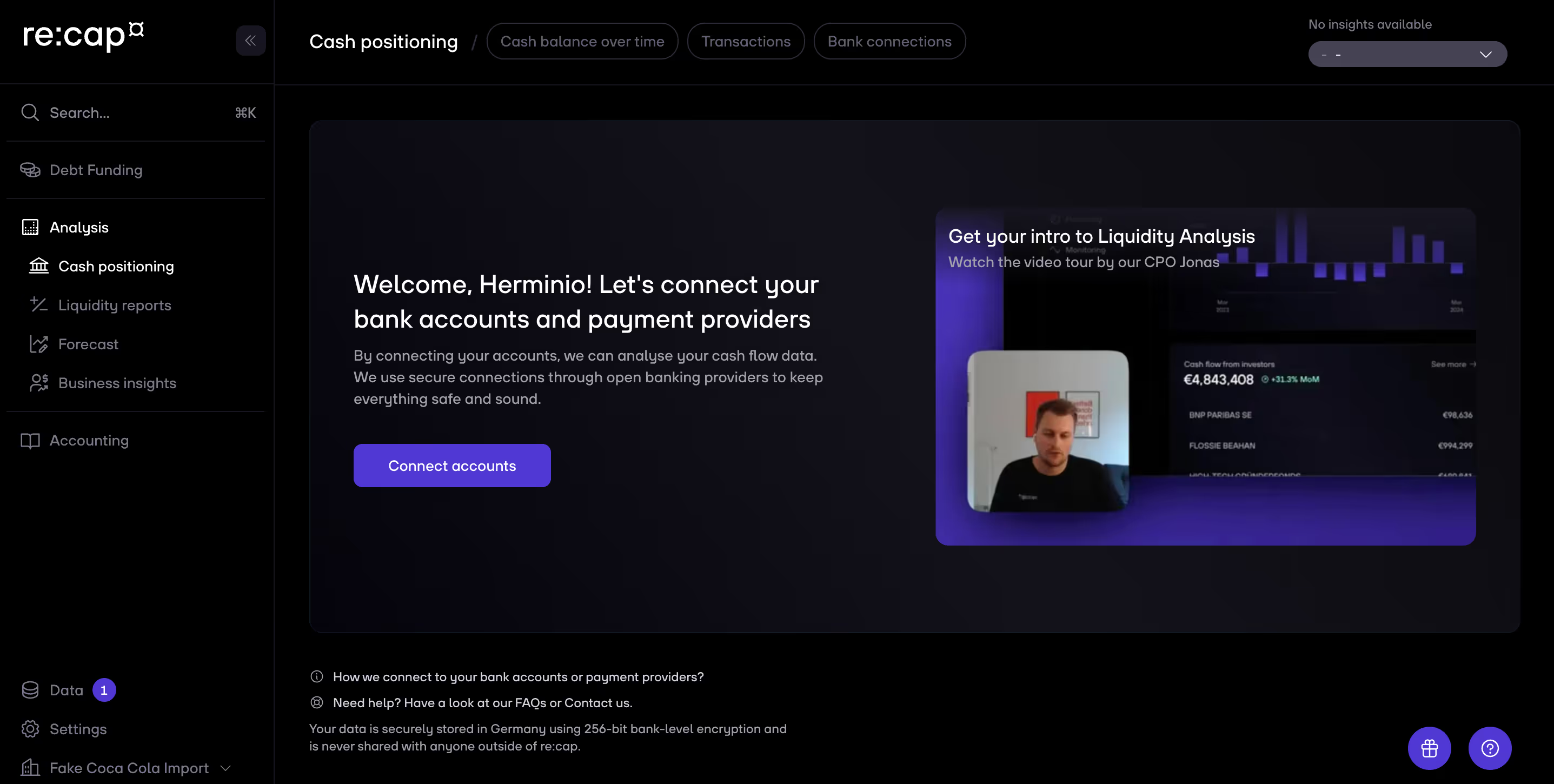
1. Click on Analysis in the navigation menu and then go to the Cash positioning section. Then tap on Transactions at the top. The transactions from all your connected bank accounts and manual uploads are now visible.
2. You can change the assigned category of each transaction via the Category column on the left.
Cmd + S for iOS or Ctrl + S for Windows. This saves your new tags and updates the insights based on the new tagging.Pro tip: You can exclude transactions from the Burn rate tag to further smoothen out outliers.
Pro tip: Using keyboard shortcuts to analyze data quicker (If you are using Windows, replaceCmdwithCtrl):
Cmd + ShiftCmdCmd + A


.gif)


