
Now live: Capital AI, your financial sparring partner
Weekly forecasts help you stay on top of upcoming cash in and cash out.
You can use them to plan and track your accounts payable (AP) and accounts receivable (AR) based on invoices and expected cash flows.
Once you create a weekly forecast, re:cap automatically shows:
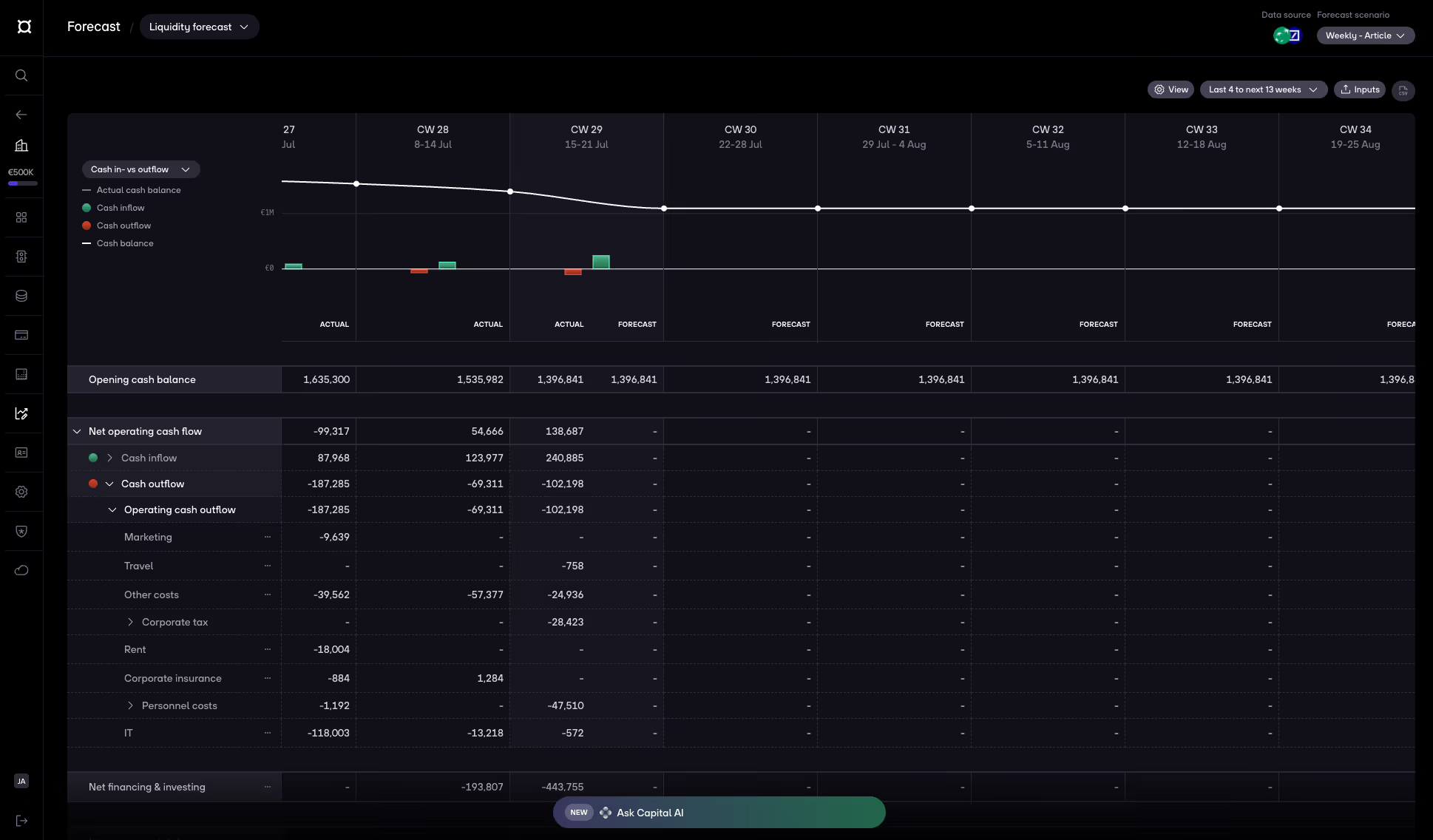
To track your AP/AR, you’ll first add your invoices to the forecast. You can do this in three ways:
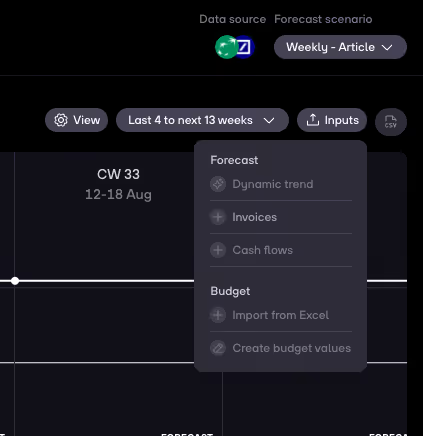
Klick on Inputs then click on Invoices to add invoices.
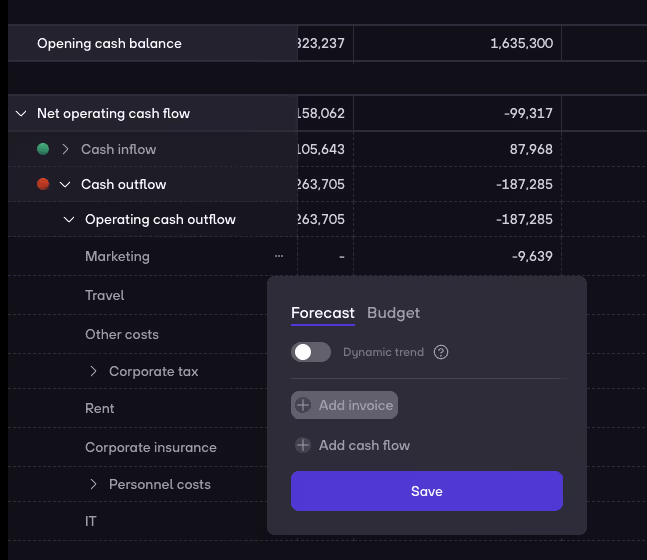
Go to a specific category. Click on ... then choose Forecast and click on Add invoice.
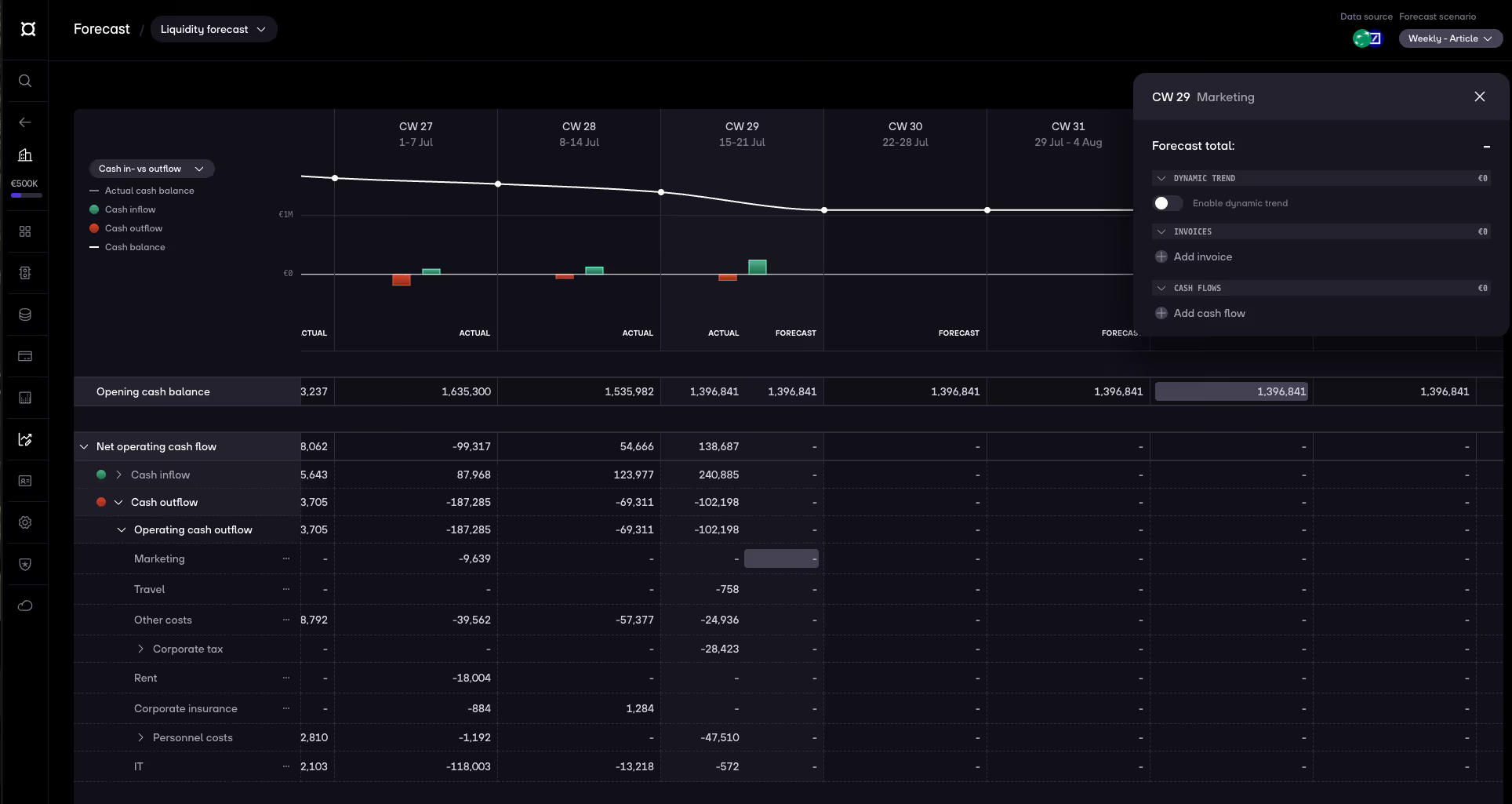
Go to a specific cell within the forecast and then click on Add invoice.
On top of invoices, you can add cash flows for expected payments where you don’t have an invoice yet (for example: tax payments, expected refunds, or planned one-off costs).
Again, you have three options:
Klick on Inputs then click on Cash flows to add cash flows.
Go to a specific category. Click on ... then choose Forecast and click on Add cash flow.
Go to a specific cell within the forecast and then click on Add cash flow.
For all three options, the basic setup is the same:
If it’s a recurring payment (e.g. monthly rent or a subscription):
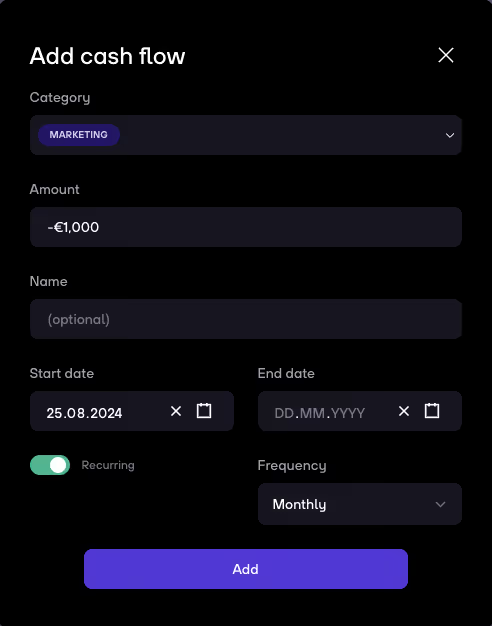
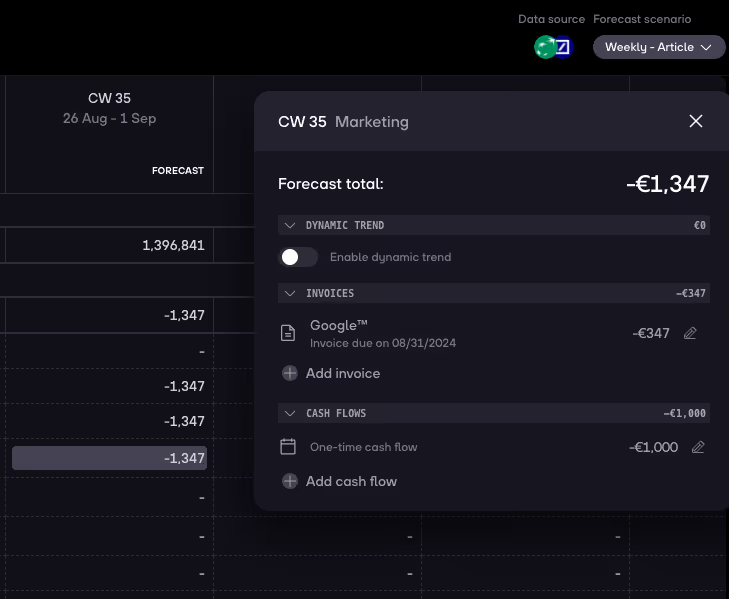
Once you save, the amounts appear in your weekly forecast so you can immediately see their impact on your cash position.
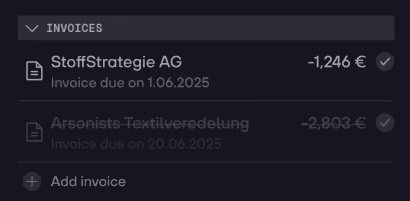
You’ll be able to mark invoices and cash flows as paid by clicking a simple check mark next to them.
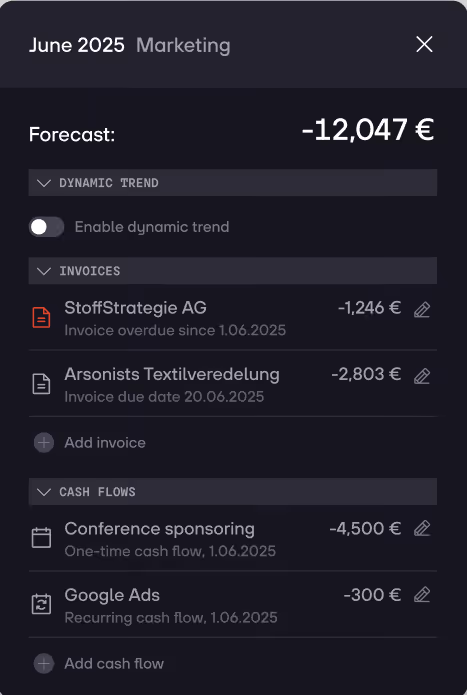
If a due date or cash flow date has passed and it’s not yet marked as paid:


.gif)


