
Now live: Capital AI, your financial sparring partner
This is only relevant to you if you use funding from re:cap.
1. Click on Data and then on Business plan via the menu on the left.
2. Click on the Add new file button.
3. Upload your file and then confirm. Take note that it might take some time for the plan to be fully uploaded to the platform.
A comprehensive business plan is essential for securing funding and managing your company's financial future. Here's exactly what you need to prepare.
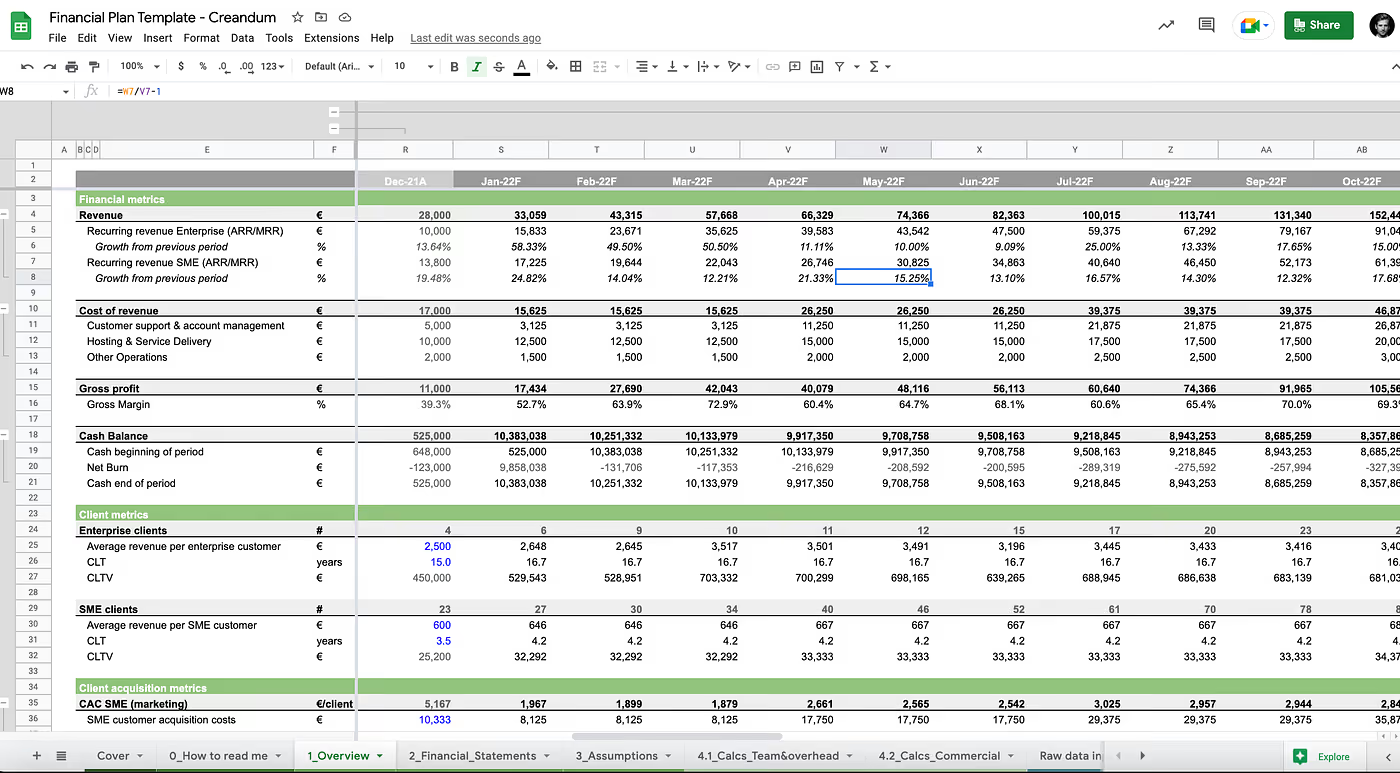
Your business plan must be structured as a monthly Excel file covering at least the next 18 months. This granular, forward-looking view allows both you and potential funders to understand your company's trajectory and capital needs with precision.
Your P&L statement should break down revenue and expenses into these specific positions:
This level of detail helps you and funders distinguish between your core business performance and one-time costs or revenue spikes.
Beyond profitability, your business plan must demonstrate how cash moves through your business. Include these cash flow positions:
This month-by-month cash flow projection is critical. Many growth companies fail due to cash flow problems, so demonstrating you understand when cash comes in and goes out shows financial maturity.
This specific structure provides the clarity needed to:
When your business plan follows this framework, you're building a tool that helps you run your business more effectively.


.gif)


