
Now live: Capital AI, your financial sparring partner
You can manually export a DATEV-ready XML file with a list of all your transactions and invoice and then share it with your tax advisor.
Note: Make sure to only export time periods that were not uploaded to DATEV yet, otherwise it will result in duplicates.
1. Go to Analysis and click on Accounting via the navigation menu on the left.

2. Click on Export on the dashboard on the right.

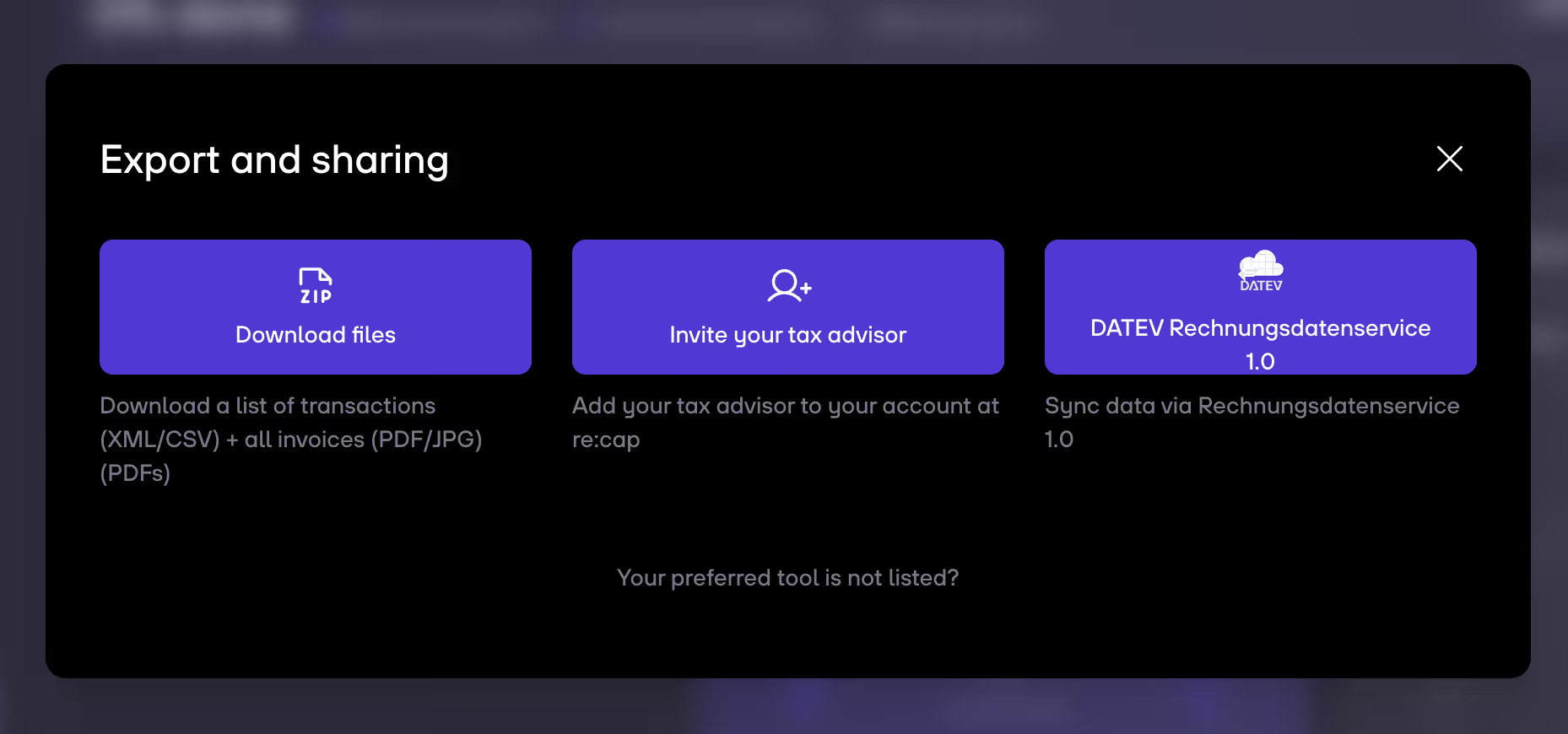
3. Click on DATEV Rechnungsdatenservice 1.0.
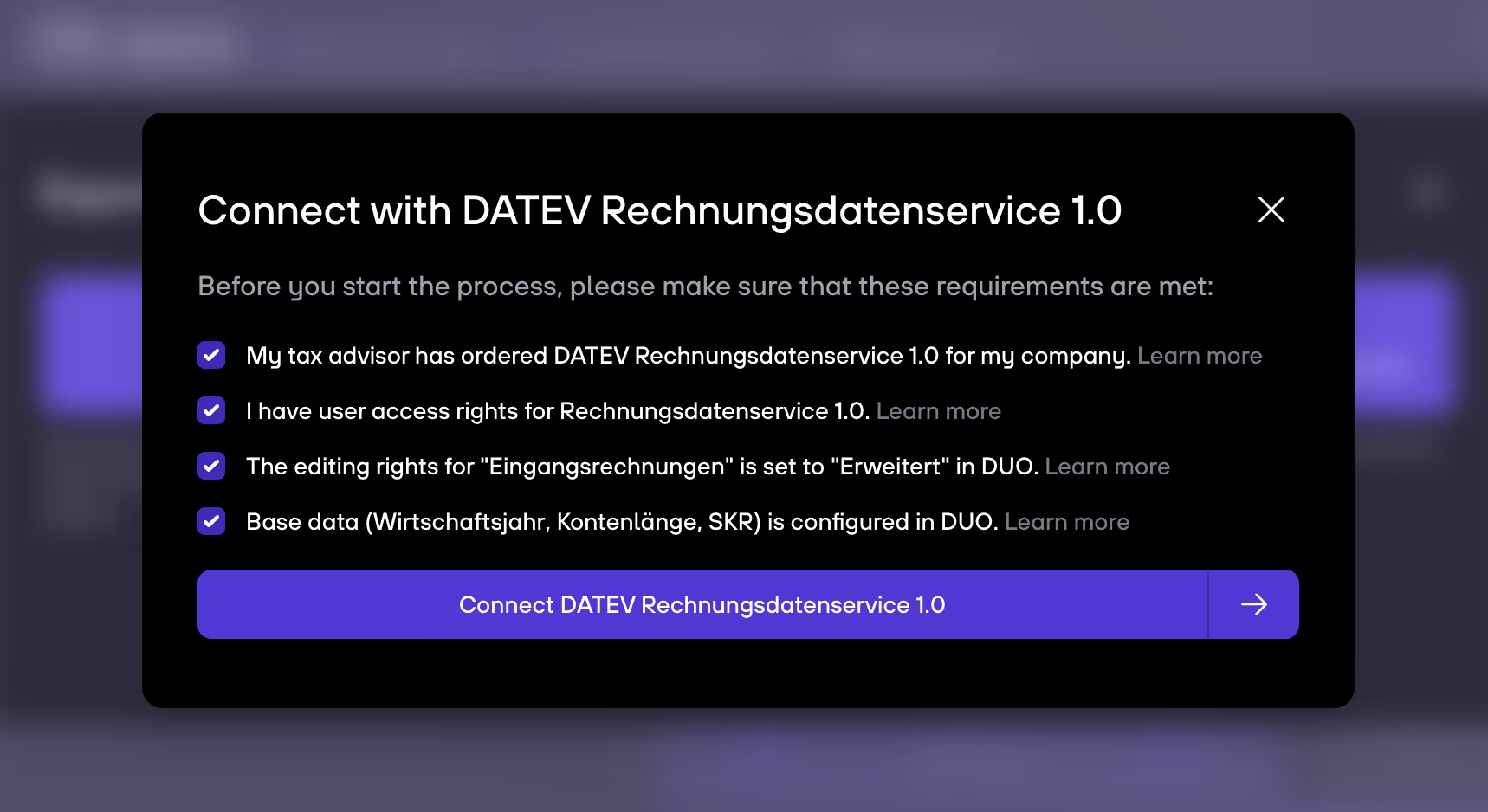
4. Check the needed requirements to start the process and then click on Connect DATEV Rechnungsdatenservice 1.0.


.gif)


