
Now live: Capital AI, your financial sparring partner
If there is an invoice missing, you can upload it yourself. Here's how it's done.
Alternative: You can also request missing invoices from your team.
1. Go to Analysis and click on Accounting in the navigation menu on the left.

2. You’ll see the dashboard – where you can track missing invoices at a glance.
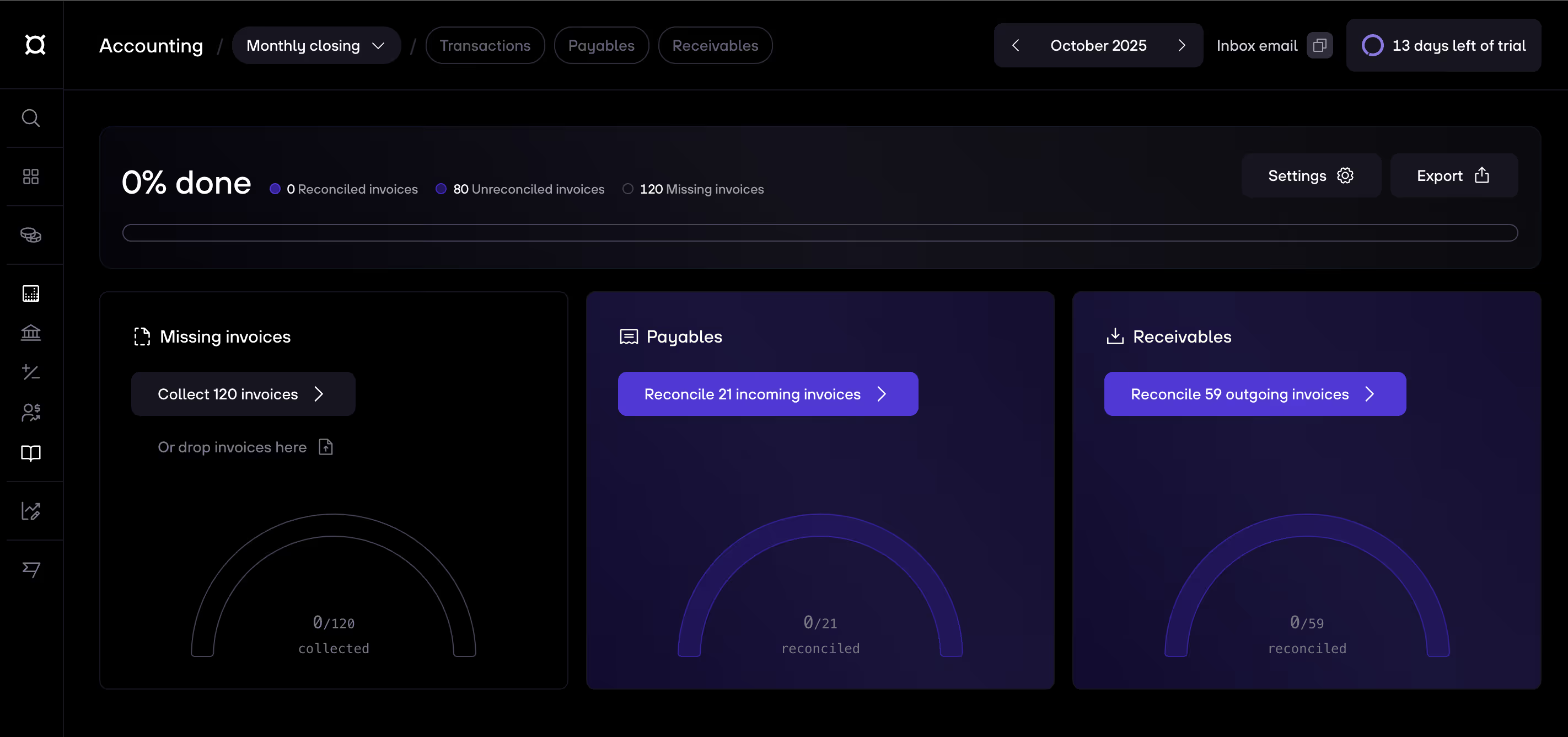
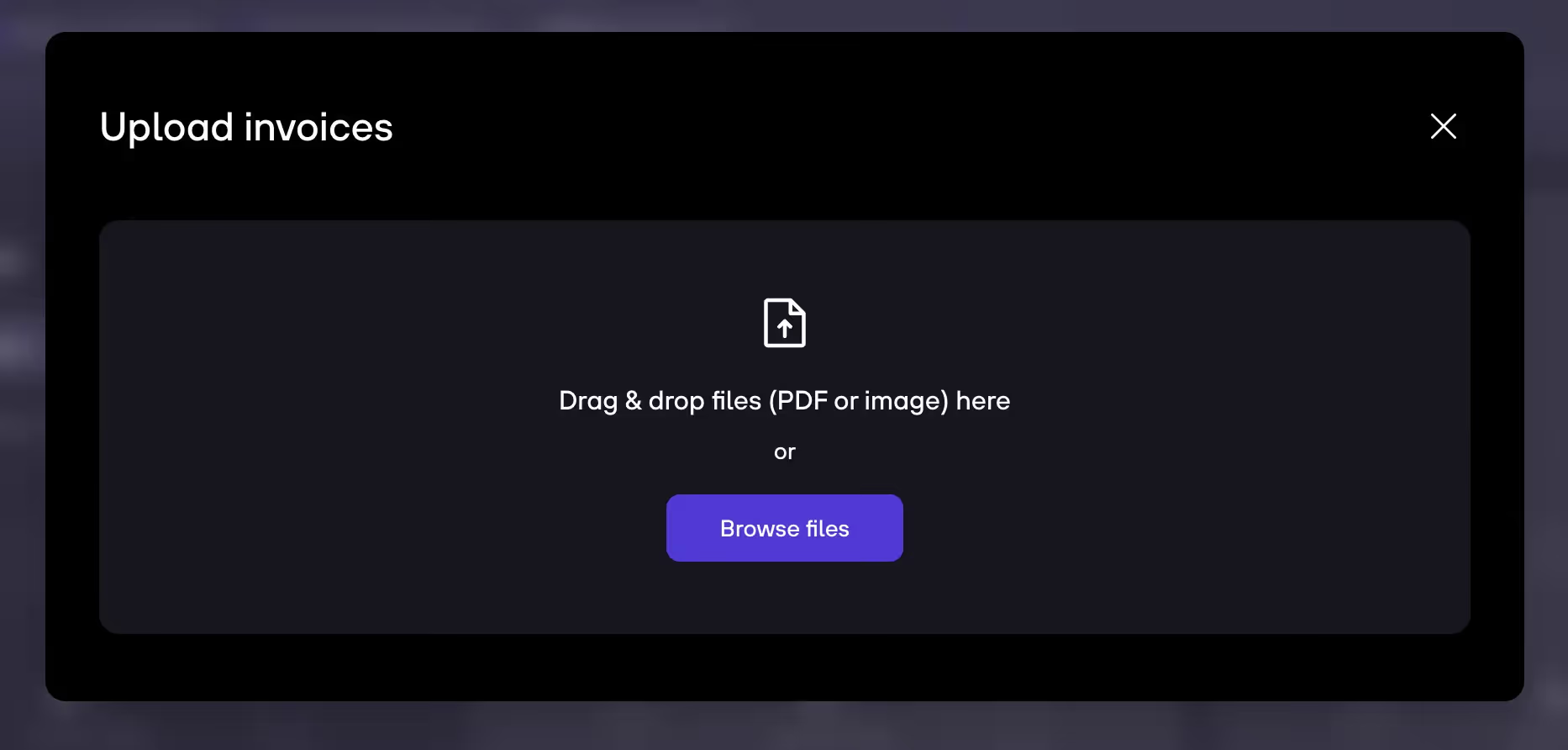
3. You can directly upload invoices here (Or drop invoices here).
4. Or you click on Collect invoices which leads you to all transactions.
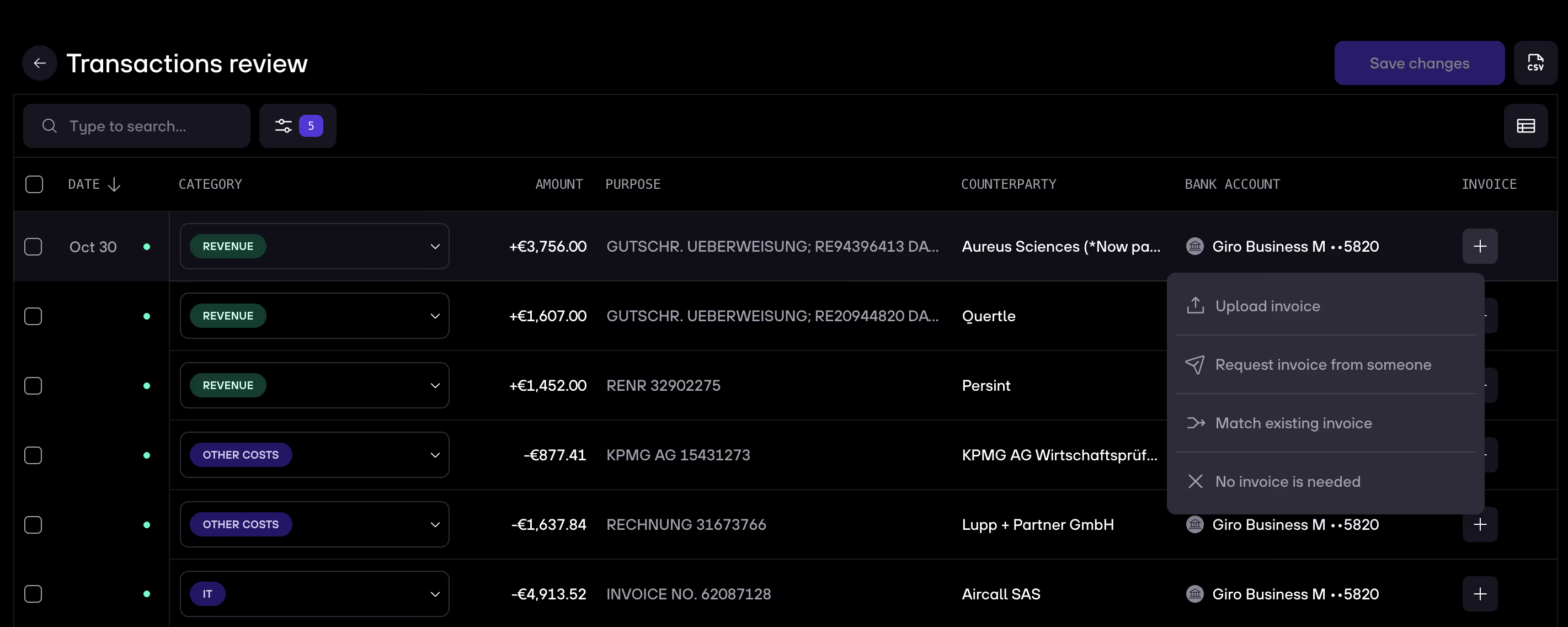
5. Upload matching invoices to transactions by clicking on the plus icon on the right and click Upload invoice. You can also request an invoice from a team member.
d


.gif)


